
Buying Guide
Start with the setup you have, then choose the gear that belongs in it.
The right comparison begins with your platform, available space, connection needs, and preferred way to play. Use this guide to narrow the field before reviewing individual product details.
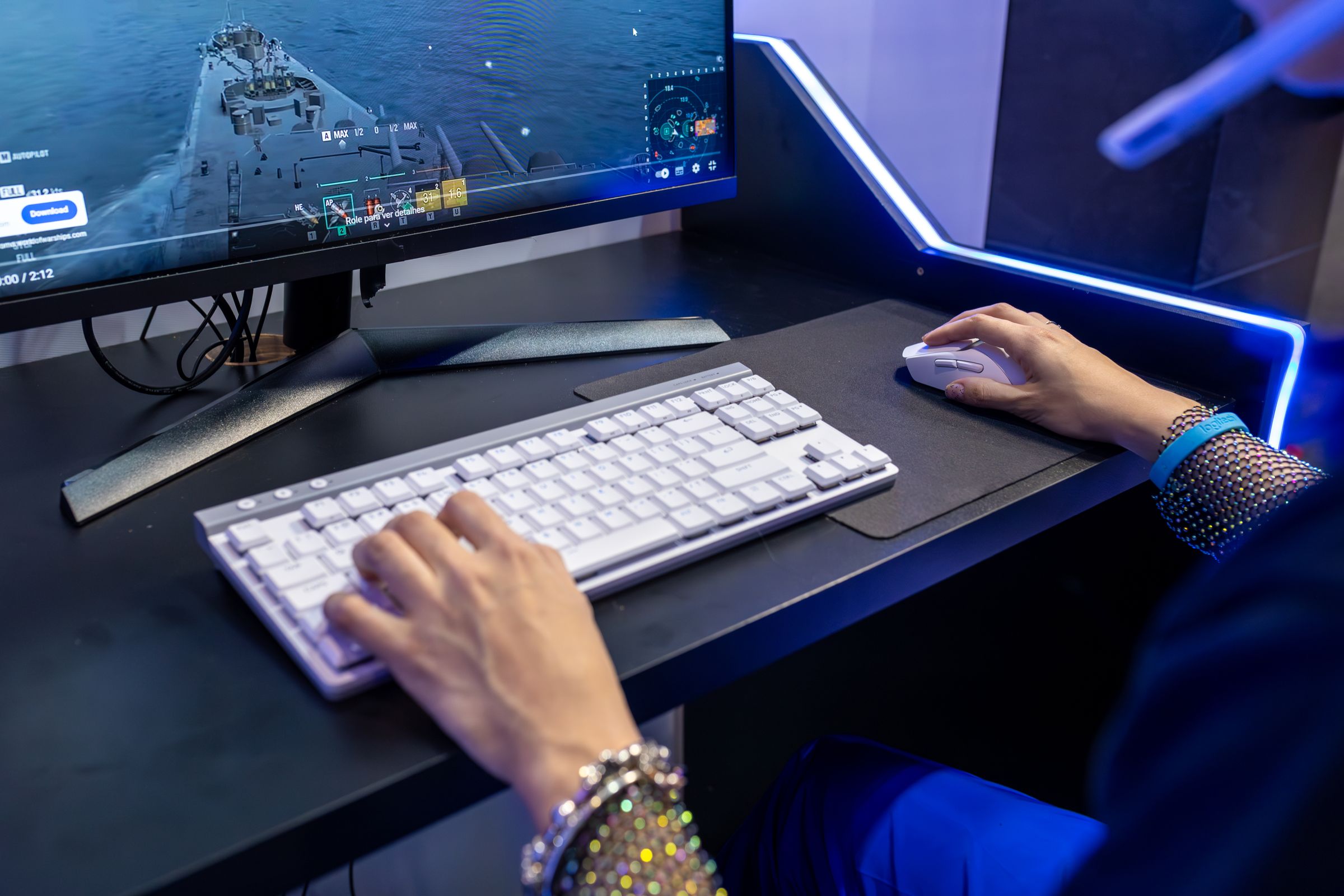
01 / Before You Compare
Define the job your next piece of gear needs to do.
A useful shortlist is built around real constraints. Record the answers that matter to your setup before comparing features.
Decision Prompts
Platform and software
Confirm the gaming platform, operating system, available ports, and any product-specific software requirements.
Control preference
Consider the games you play, the inputs you rely on, your preferred hand position, and whether the gear will be shared.
Physical space
Check the room available for movement, display placement, seating, cable routing, and storage.
Daily workflow
Decide whether the same setup also needs to support voice chat, streaming, content creation, console play, or travel.
02 / Selection Pathways
Compare the categories that shape the experience.
Pathways
Controls
Prioritize physical fit, input layout, supported platform, connection type, and the amount of movement the device needs.
Covers: Gaming mice, keyboards, controllers, arcade controllers, and racing controllers.
Audio and communication
Map the full audio path. Check device connections, microphone needs, monitoring preferences, desk placement, and software support.
Covers: Gaming headsets, microphones, speakers, audio interfaces, and headset stands.
Desk and display support
Compare usable space, adjustability, mounting requirements, cable clearance, and how each item affects the surrounding setup.
Covers: Mouse pads, monitors, monitor stands, desks, chairs, lighting, organization, and cable management.
Streaming and specialized play
Confirm the complete device chain, the space required in use, storage between sessions, and compatibility with the rest of the system.
Covers: Webcams, streaming equipment, sim racing equipment, console accessories, VR accessories, and carry cases.
03 / A Better Comparison
Use the same questions for every item on your shortlist.
| Criterion | Question |
|---|---|
| Fit and handling | Will the shape, layout, reach, and adjustment options suit the person using it? |
| Platform and connections | Does the product page confirm support for the intended platform, ports, and required software? |
| Setup footprint | Is there enough room for the device, its full range of use, and safe cable routing? |
| Care and storage | Can the item be cleaned, stored, and transported in a way that fits the space and routine? |
| System role | Does it solve a current setup need, or does it depend on other equipment first? |
04 / Final Check
Review compatibility before you commit.
Checklist
- Read the current product description and listed specifications.
- Confirm platform, operating-system, port, and software requirements.
- Check the dimensions against the available desk or play space.
- Review what is included and identify any additional equipment the setup requires.
- Ask Kyronex if a listed detail needs clarification before purchase.
05 / Dual Cta Finish
Move from a clear shortlist to the right category.
Browse the complete catalog or start with the collection that matches your setup goal.
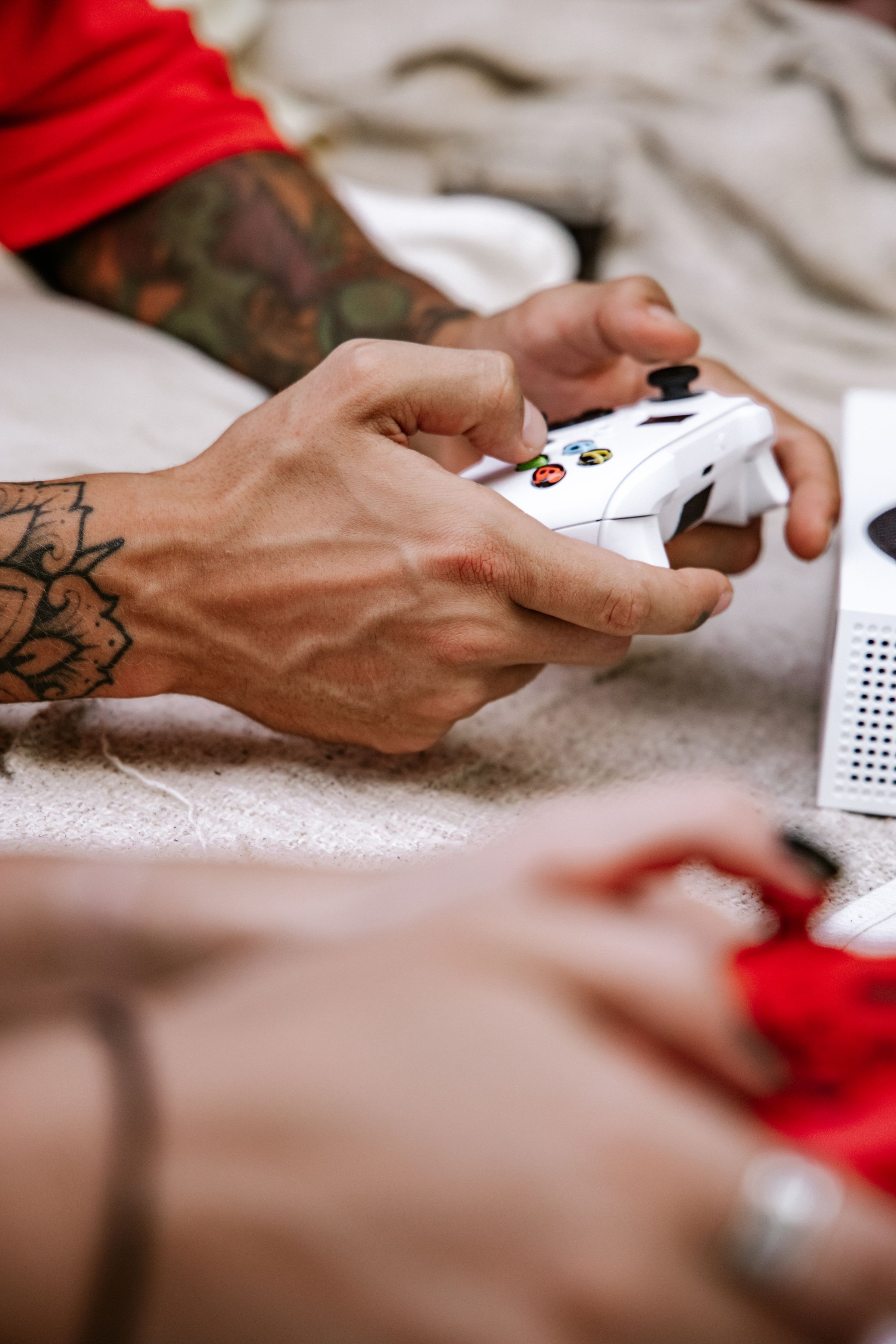
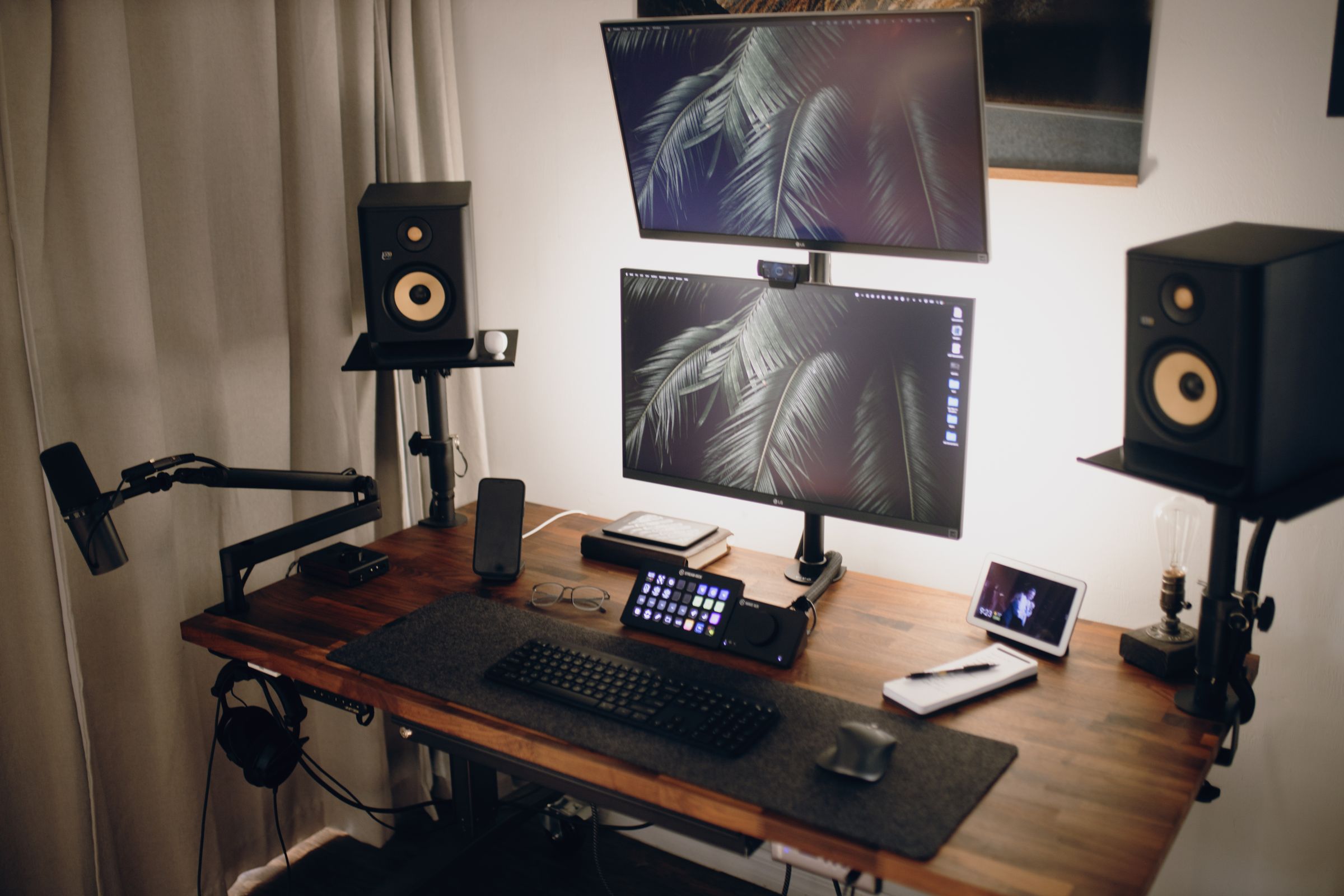
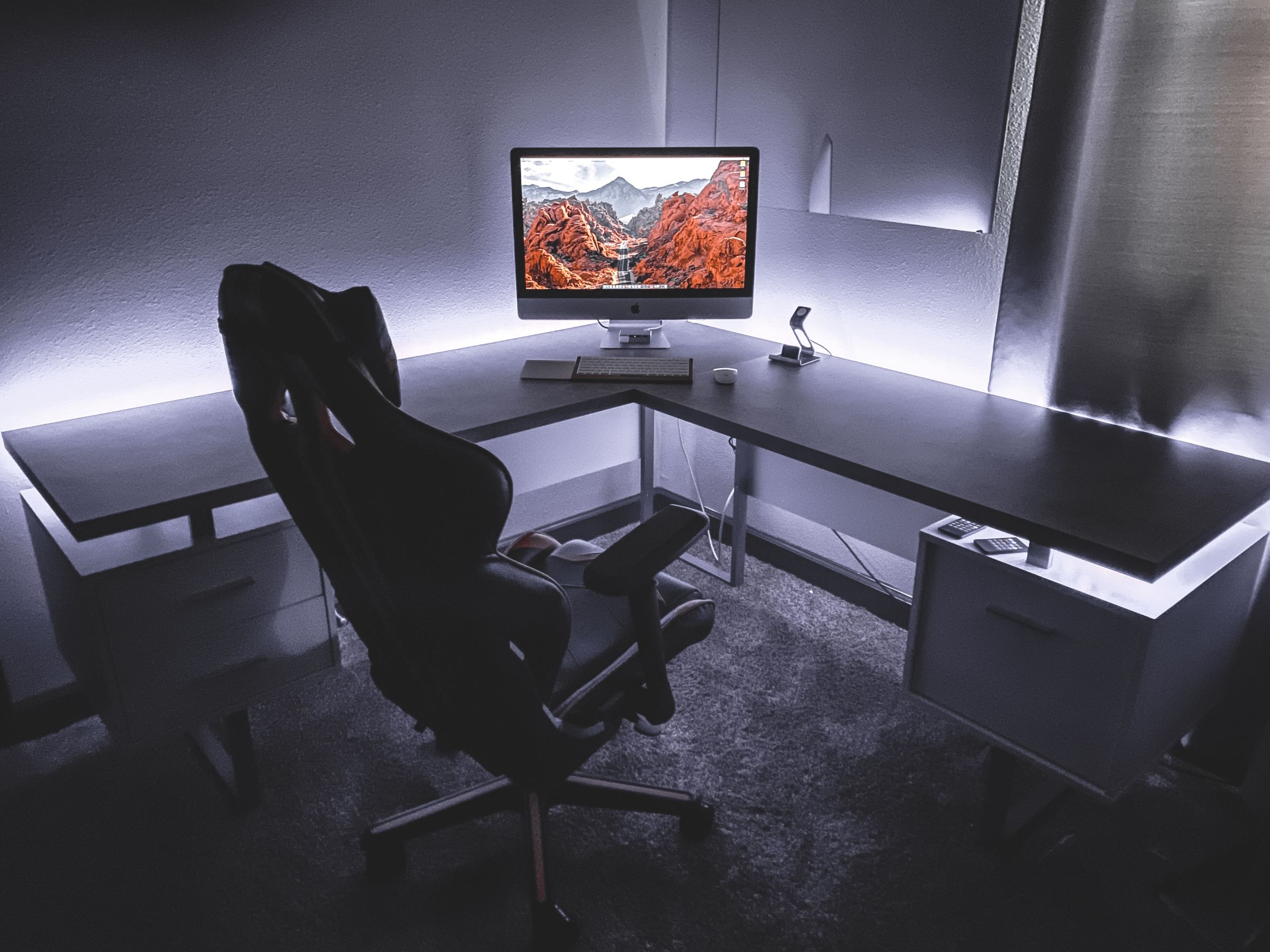

KYRONEX SUPPORT
Need a clear next step?
Contact Kyronex with the product name, order number when relevant, and the exact details of your question.