
Gaming Insights
Read the setup as a connected system, not a stack of specifications.
Controls, audio, displays, furniture, lighting, and software affect the same experience. Useful decisions come from understanding how those parts meet in a real play space.

01 / The Decision Behind the Spec
Fit and context give specifications meaning.
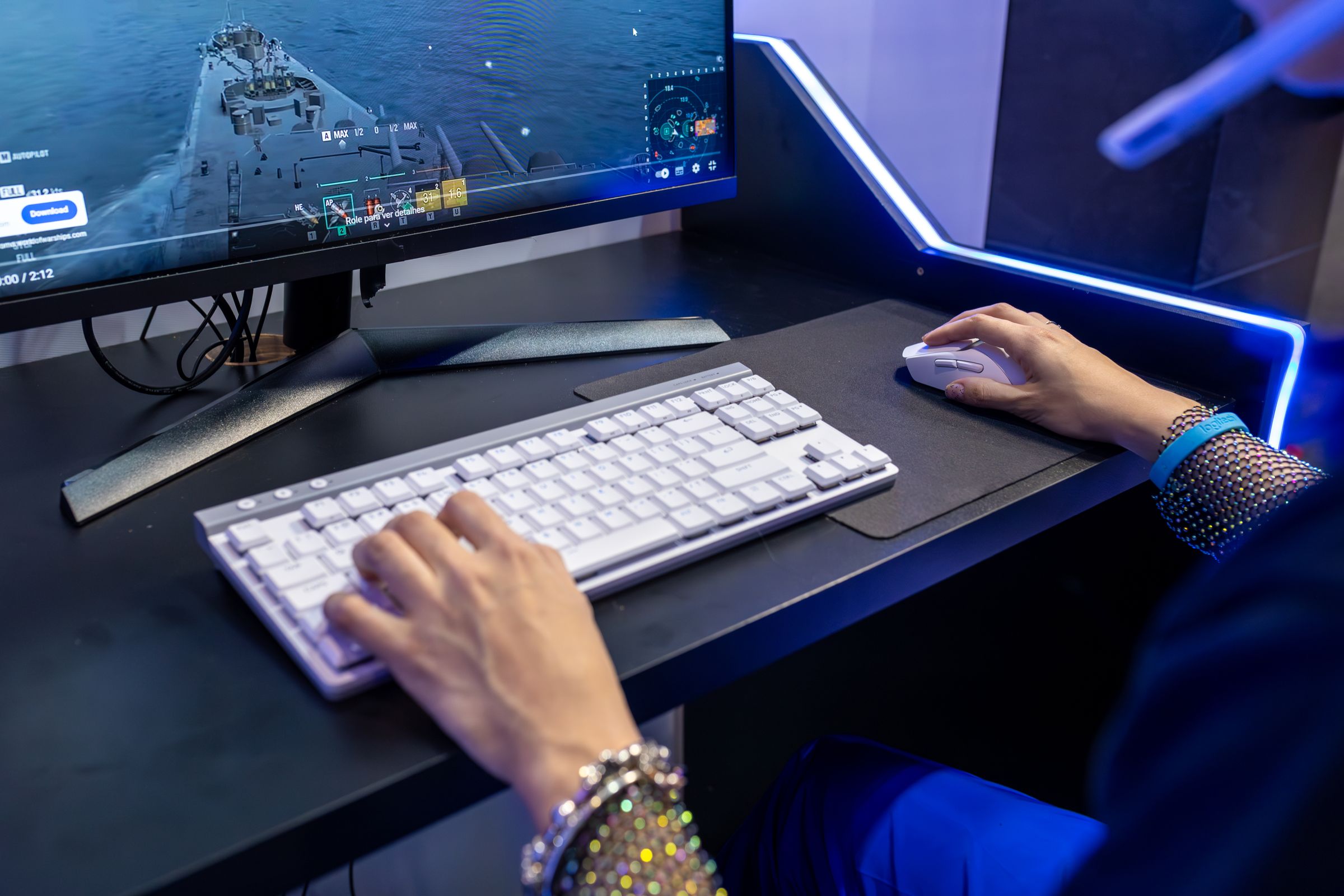
A feature list is most useful when it answers a setup question. A connection type matters because it must fit the available platform and ports. A control layout matters because the player needs to reach it comfortably. A microphone or webcam matters because it has to work within the existing desk, software, and lighting.
Begin with the problem to solve. Then use the listed specifications to confirm that a product belongs in the system. This keeps comparison focused on practical requirements instead of isolated feature language.
02 / Current Topics
Useful ways to think about gaming gear.
Features
Control without clutter
The primary controls need clear movement, dependable access, and a sensible place when they are not being used.
- Which inputs are used most often?
- What shares the same movement space?
- Where do cables or charging paths cross that space?
Audio is a chain
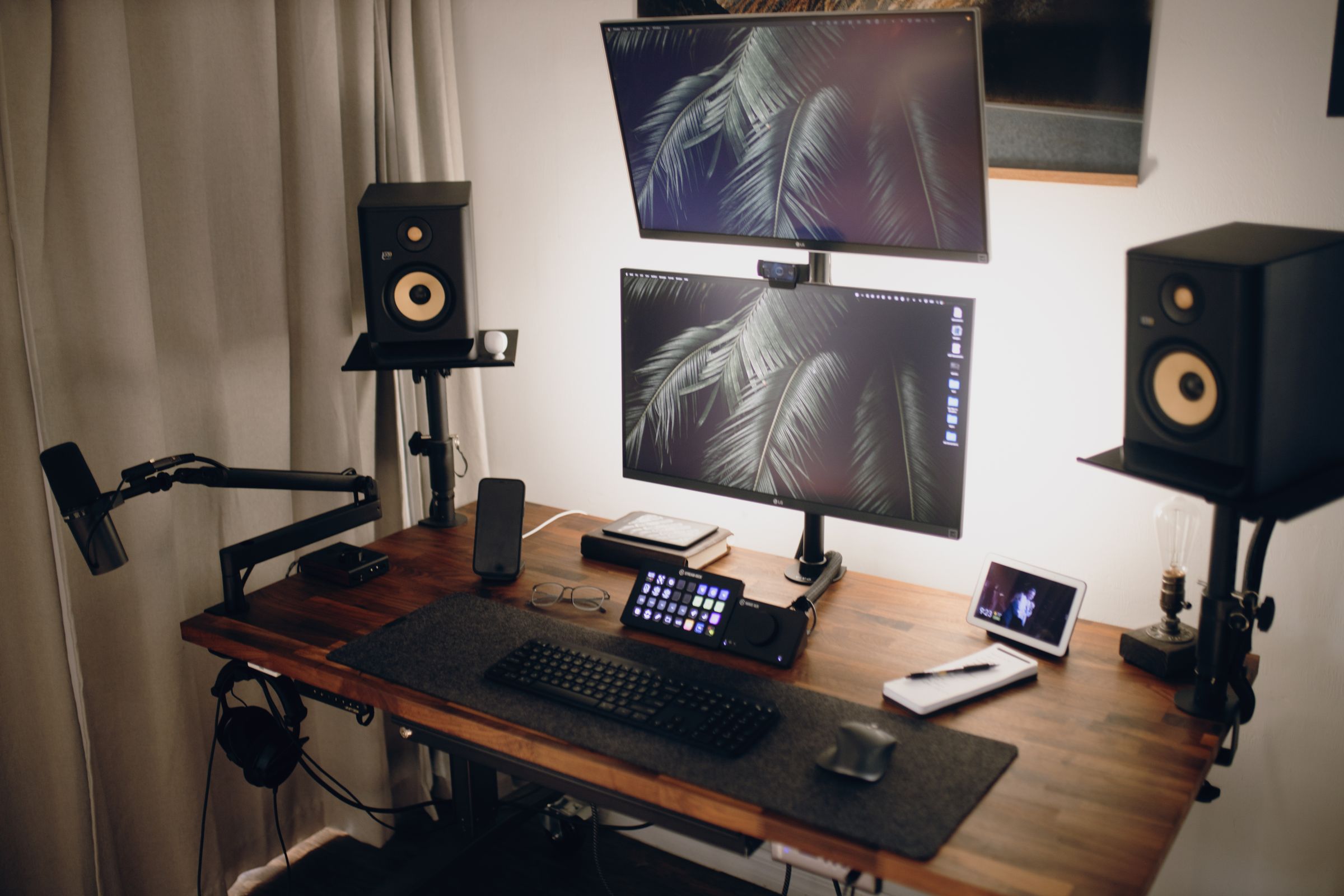
A headset, microphone, speakers, and audio interface should be planned as one route through the gaming system.
- Where does sound enter and leave the system?
- Which device handles monitoring?
- What does the platform and software support?
Streaming with fewer friction points
Camera, lighting, voice, monitoring, and game controls all compete for space and attention on the same desk.
- Can the camera frame the normal playing position?
- Can the microphone sit close enough without blocking the display?
- Are important controls still easy to reach?
Specialized setups grow in layers
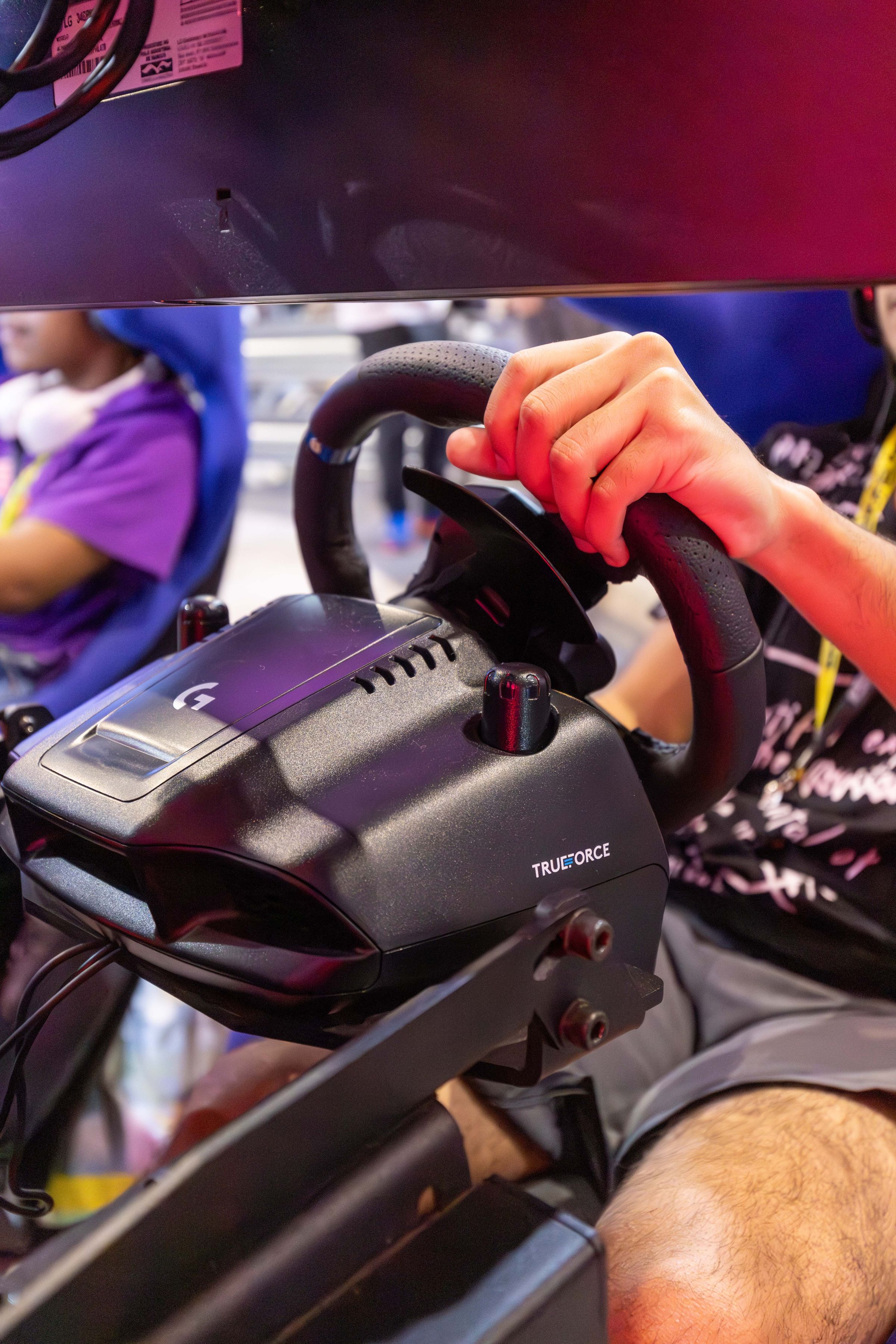
Sim racing, console, and VR accessories work best when space, connections, mounting, movement, and storage are considered together.
- What is required for the first usable setup?
- What space is needed during play?
- Where will the equipment go between sessions?
03 / Signal and Noise
Replace broad promises with specific questions.
| Shortcut | Useful Question |
|---|---|
| Choosing from a feature count alone | Which listed features solve a real need in this setup? |
| Assuming every connection works with every platform | Does the product description confirm the intended platform, port, and software? |
| Adding equipment before making room for it | What movement, mounting, cable, ventilation, and storage space does it require? |
| Changing several settings at once | Can one adjustment be tested against a familiar game or workflow? |
04 / Read Your Setup
Look for the next meaningful improvement.
Stages
Observe
Notice where movement, visibility, connection, communication, or storage feels awkward.
Trace
Follow the relevant control, signal, cable, software, or physical path.
Prioritize
Choose the issue that affects the setup most often.
Verify
Use the current product information to confirm fit and compatibility before adding gear.
05 / Editorial Endnote Cta
Turn the next setup question into a focused search.
Browse the catalog by product or category, and contact Kyronex when a listed detail needs clarification.
KYRONEX SUPPORT
Need a clear next step?
Contact Kyronex with the product name, order number when relevant, and the exact details of your question.