
Product Care
Keep gaming gear clean, dry, organized, and ready for the next session.
Simple handling and cleaning habits can help protect the condition of the equipment you use every day. Always follow the instructions supplied with the specific product.
01 / Before Cleaning
Begin with the product instructions.
Disconnect or power down equipment where appropriate. Do not submerge electronics, apply liquid directly to a device, open sealed components, or use a cleaning product unless the manufacturer says it is suitable. Let every cleaned surface dry fully before reconnecting power.
If a care method conflicts with the documentation for a specific item, follow the product documentation.
02 / Care Stations
Match the method to the material and the device.
Stations
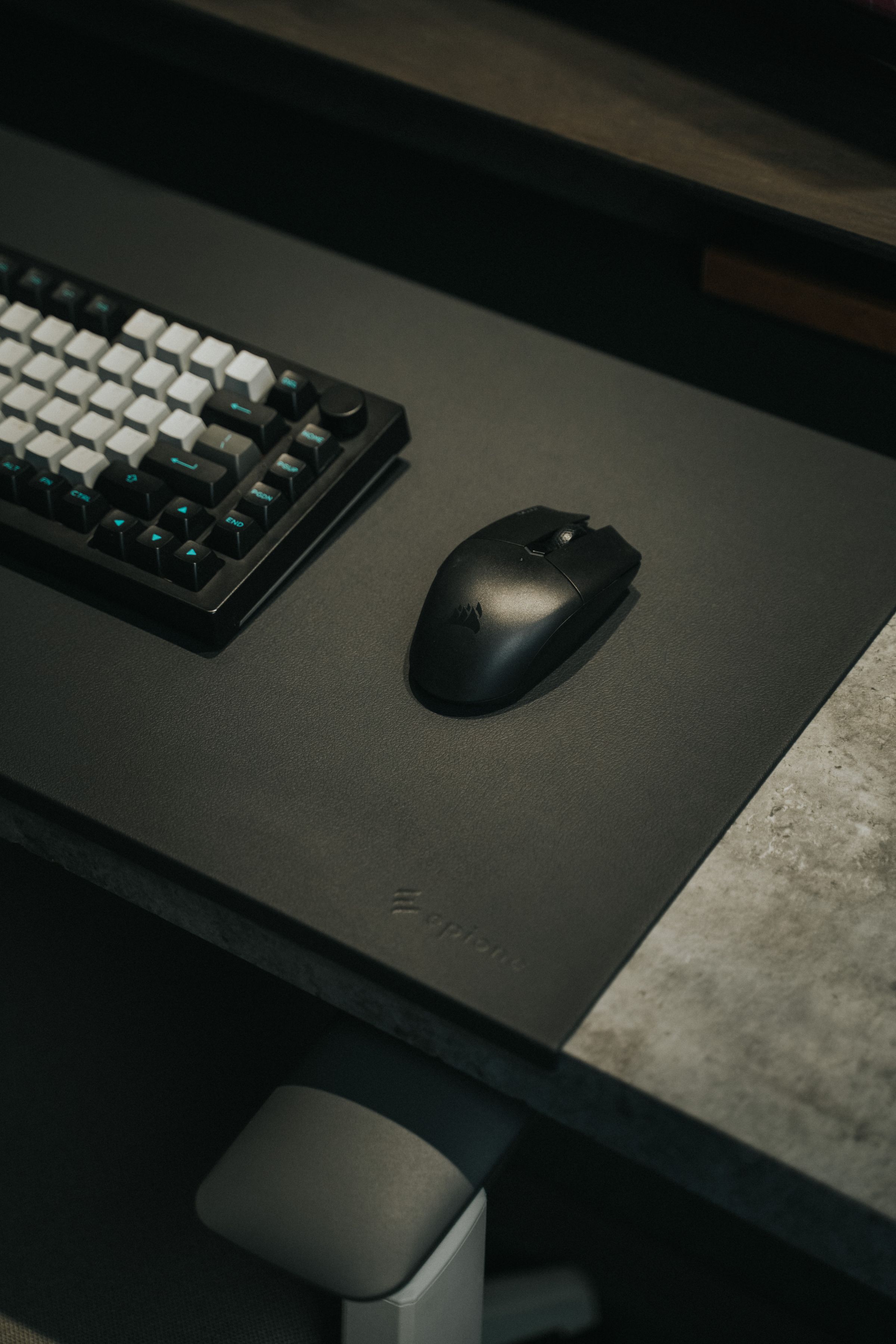
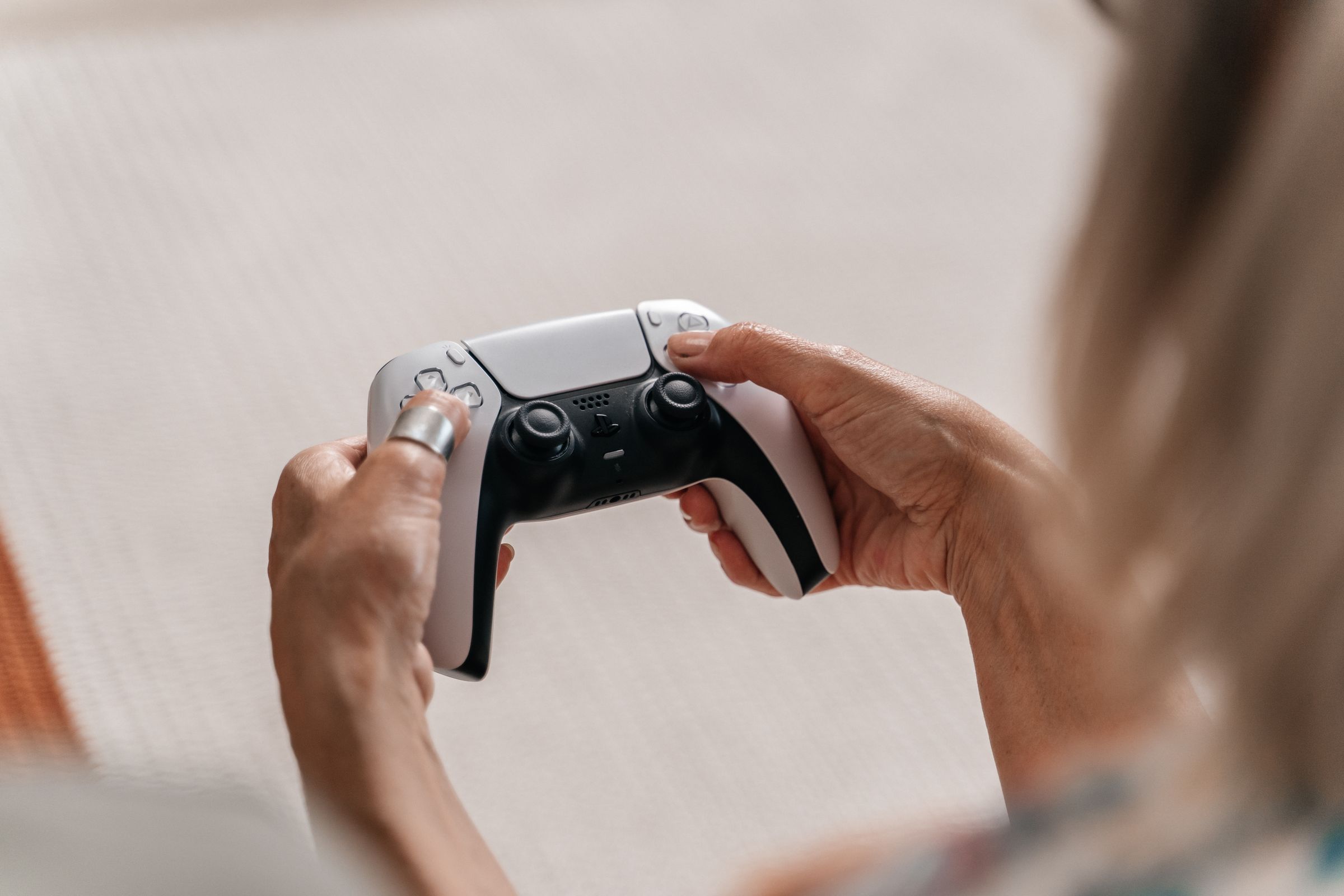
Mice, keyboards, and controllers
- Remove loose surface debris with a soft, dry tool that will not scratch the device.
- Use a lint-free cloth and only the cleaning method permitted by the product instructions.
- Keep moisture away from switches, seams, ports, and charging contacts.
- Do not force removable parts or keycaps unless the product is designed for that procedure.
Headsets, microphones, and audio gear
- Wipe exterior surfaces gently and avoid pushing debris into grilles or openings.
- Remove cushions, covers, or filters only when the product instructions describe how.
- Keep connectors clean and dry before reconnecting the signal path.
- Store headsets and microphones without pulling on cables, hinges, or mounting points.
Mouse pads and desk surfaces
- Identify the surface material before choosing a cleaning method.
- Remove loose debris first and avoid oversaturating fabric or stitched edges.
- If washing is permitted, support the full surface and allow it to dry completely before use.
- Keep the play surface free from residue that could transfer to controls.
Cables, cases, and storage
- Disconnect by holding the connector rather than pulling the cable.
- Avoid tight coils, sharp bends, trapped cables, and pressure on connectors.
- Store small parts together in a clean, dry place where they will not be crushed.
- Use a suitable carry case when equipment needs protection in transit.
03 / A Simple Routine
Build care into the way the setup is used.
Stages
After play
Clear the surface, place controls securely, and remove any visible moisture or debris using an approved dry method.
Stage: After play
During a deeper reset
Power down, inspect ports and cables, clean by material, and restore cable routing without strain.
Stage: During a deeper reset
Before storage or travel
Make sure equipment is dry, protect controls and connectors, and keep accessories from moving freely inside the case.
Stage: Before storage or travel
04 / Know When to Pause
Do not keep using equipment that appears unsafe or damaged.
Disconnect the device when safe to do so if you notice exposed wiring, a damaged connector, a cracked power component, liquid inside the device, battery swelling, persistent overheating, or an unusual smell. Follow the manufacturer guidance or contact an appropriate support channel before using it again.
KYRONEX SUPPORT
Need a clear next step?
Contact Kyronex with the product name, order number when relevant, and the exact details of your question.