
Setup Optimization
A better setup starts with clear zones and fewer points of friction.
Place each part of the gaming system where it is easy to reach, simple to connect, and straightforward to maintain. Adjust every recommendation to the user, the room, and the product instructions.
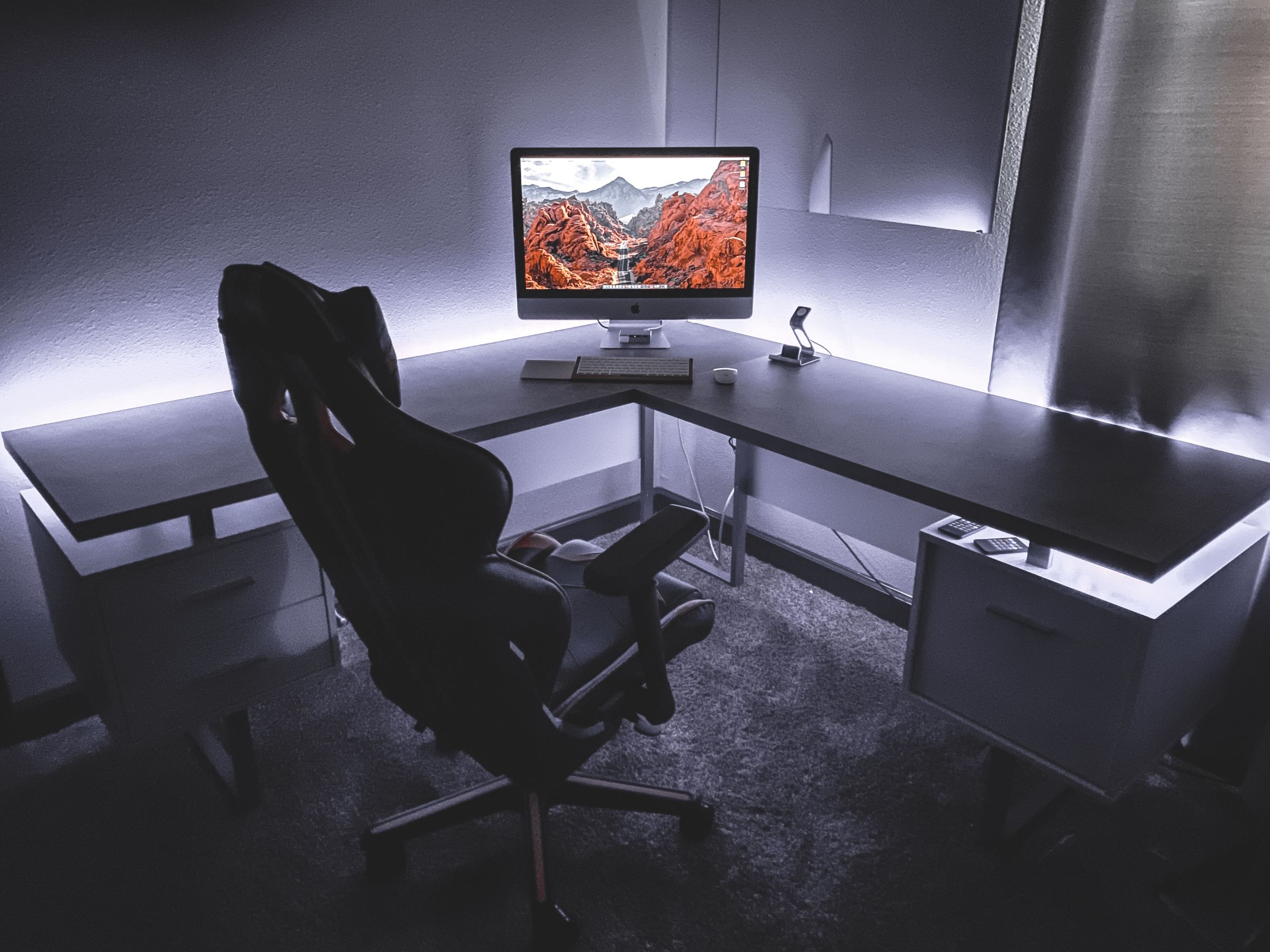
01 / Map the Desk
Give every component a defined role and place.
Zones
Control zone
Keep the primary mouse, keyboard, controller, or arcade controls within a comfortable reach and leave enough open space for their full movement.
Sightline zone
Position displays so the main screen is easy to view from the normal playing position. Use the adjustment options supported by the monitor and stand.
Audio zone
Decide where the headset, speakers, microphone, and audio interface belong before routing their cables or configuring software.
Capture and lighting zone
Frame the webcam, microphone, and gaming lighting around the actual seated position without blocking screens or controls.
Cable and power zone
Separate movement areas from cable runs, keep ventilation openings clear, and avoid tension at ports and connectors.
02 / Trace the Signal
Follow each connection from input to output.
Nodes
Controls
Check: Confirm platform support, connection type, and the port the device will use.
System
Check: Review operating-system, software, and adapter requirements listed for the equipment.
Display and audio
Check: Choose the intended monitor, headset, speakers, or interface path and remove unnecessary duplicate routes.
Voice and capture
Check: Verify the selected microphone and webcam in the applications where they will be used.
Cable route
Check: Secure slack without sharp bends and leave room for chair, desk, and control movement.
03 / Optimize for the Use Case
Different play styles need different priorities.
Scenarios
Keyboard and mouse play
Protect a clear movement area, keep frequently used keys within reach, and route cables away from the mouse path.
Controller and console play
Plan seating distance, controller charging or connection, headset routing, and storage when the controller is not in use.
Streaming and voice
Balance microphone position, camera framing, lighting placement, monitoring, and access to the primary controls.
Sim racing
Check the complete footprint, secure mounting points, pedal position, display placement, cable travel, and access around the rig.
04 / Tune One Variable at a Time
Make changes you can evaluate.
Steps
Observe
Identify one point of friction in the current setup.
Adjust
Change one position, connection, software setting, or cable route.
Test
Repeat a familiar game or workflow and pay attention to comfort, access, and consistency.
Keep or revert
Retain the change only when it makes the setup easier to use.
05 / Split Action Finish
Build around the next problem you want the setup to solve.
Explore equipment by category, or contact Kyronex when a listed product detail needs clarification.
KYRONEX SUPPORT
Need a clear next step?
Contact Kyronex with the product name, order number when relevant, and the exact details of your question.